





A Dubai clinic, a Sharjah workshop and an Abu Dhabi design studio all lose local customers for the same reason: when someone searches nearby, their business is missing or listed with wrong details. Setting up a Google Business Profile for a UAE company is free and takes less than an hour for the basics. This guide covers eligibility, setup steps, verification and the upkeep that keeps your listing useful.
Check Eligibility First
A Google Business Profile is for businesses that meet customers face to face or serve customers in a defined area. Google’s guidelines say you should use your real business name, represent your actual location and avoid fake addresses, virtual offices and mailbox services as storefronts. Read the current guidelines before you start, because rules change and violations can lead to suspension.
Decide your business type. A shop, clinic or restaurant has a storefront where customers visit. A plumber, cleaning company or mobile salon may serve customers at their location. Service-area businesses can hide their address and list the areas they serve, if they do not receive customers at the address.
Step 1: Prepare Your Details
Gather the basics before you open the setup flow. You need your trading name exactly as it appears on signage and licence documents, your address, a local phone number, your website, opening hours and a list of services or products. Prepare a short description and a few good photos.
Use consistent details across your site and other listings. Mismatches between your trade licence name, signage and profile can cause verification trouble.
Step 2: Create or Claim the Profile
Sign in with a Google account that your business controls, not a personal account of a staff member who may leave. Search for your business name on Google Maps. If a listing exists, you may be able to claim it. If not, create a new one.
Choose the primary category carefully. It is one of the most important settings, because it tells Google what you are. Pick the most specific category that matches your main service, and add secondary categories only where they truly apply.
Step 3: Add Address or Service Area
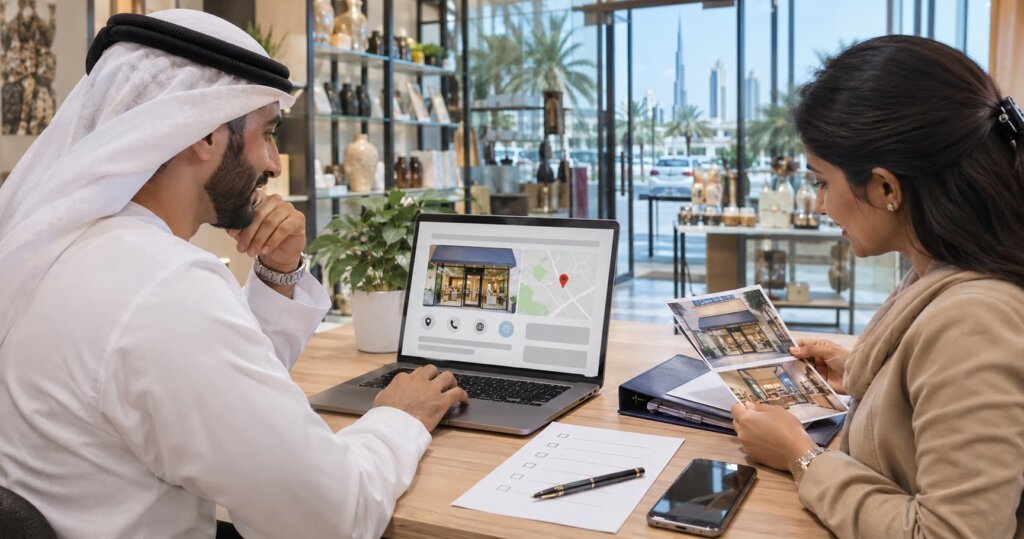
For a storefront, enter the full address and place the map pin accurately. Add landmarks or building names in the address line where helpful, since many UAE addresses rely on area names and building names. For a service-area business, select the emirates, cities or neighbourhoods you serve, and avoid listing places you do not actually reach.
Step 4: Verify Your Business
Verification proves that the business is real and that you are allowed to manage it. Methods offered vary by business and region. They may include a phone call, a text message, an email or a video recording. Google’s help pages explain that video verification asks you to show your location, relevant signage, tools or equipment, and proof that you manage the business. Follow the options shown in your account, since you cannot choose them freely.
Prepare for a video check by recording continuously without cuts. Show the street or building entrance, the signage, the interior or work area and your documents if requested. Do not use edited footage. If verification fails, read the reason, fix the issue and try again instead of creating duplicate profiles.
Step 5: Fill In Every Section
Complete the services, products, attributes, hours and special hours for holidays and Ramadan. Add your website and a booking or enquiry link. Write a clear description that explains what you do, who you serve and where, without keyword stuffing or promotional claims.
Add photos of your entrance, interior, team, products and work. Real photos beat stock images. Update them regularly.
Step 6: Add Languages and Local Details
The UAE is multilingual. Write your description in English, and consider adding Arabic details where your audience uses them. Make sure phone numbers use the correct format, and state which languages your staff speak. Keep names consistent across languages so that customers can recognise your business.
Step 7: Collect and Answer Reviews
Ask happy customers to leave honest reviews. Share your review link after a service, in an email or on a receipt. Do not offer incentives for reviews, do not review your own business and do not gate reviews to only happy customers, since this breaks Google’s policies.
Reply to all reviews, positive and negative, in a polite and professional tone. Mention facts, offer to resolve problems offline and avoid sharing private details.
Step 8: Keep the Profile Alive
Post updates, offers and events if relevant. Check questions and answers, update hours before holidays and watch for suggested edits from users. Review your performance numbers, such as searches, calls and direction requests, to learn what is working. Check the profile monthly.
Common Mistakes to Avoid
Do not use a virtual office as a storefront. Do not add keywords to the business name. Do not create several profiles for one location. Do not ignore suspension notices. If your profile is suspended, read the message, fix the issue and follow the appeal steps.
Pair the Profile With a Strong Website
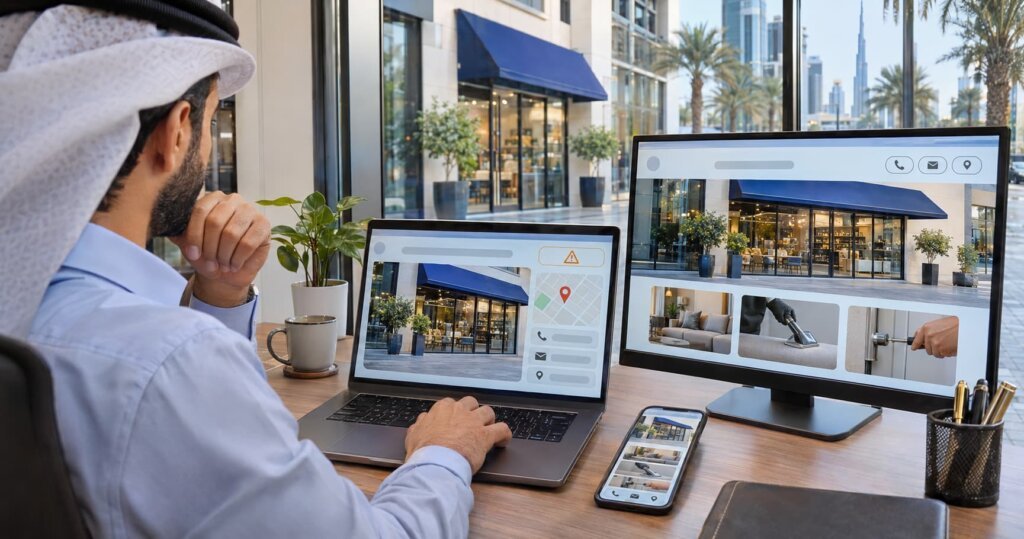
Your profile sends people to your website, so make sure the site loads fast and clearly shows services, location and contact details. For broader search support, see DigiStreet Media’s SEO services. If you advertise in two languages, read our guide on Arabic vs English ad copy for UAE audiences.
Google Business Profile for a UAE Company: What to Do After Setup
After your profile goes live, take a few steps in the first month. Add a product or service list with clear names and short descriptions. Upload new photos weekly if you can. Add a booking or enquiry link. Ask five to ten recent customers for honest reviews. Reply to every review within a few days. Check your information on other listings, so your name, address and phone number match.
Track What Your Profile Brings
Use the performance tab to see how people find you, such as searches, views, calls, website clicks and direction requests. Add tracking parameters to your website link, so your analytics can separate visits from the profile. Ask walk-in and phone customers how they found you, and record the answers.
Prepare for Seasonal Changes
The UAE calendar affects opening hours and demand. Update special hours for Ramadan, Eid, National Day and other holidays. Add seasonal photos and posts if they help customers. If you run offers, state dates and terms clearly. Out-of-date hours cause bad reviews and lost visits, so check them before each holiday.
Multiple Locations and Teams
If you operate several branches, create a separate profile for each real location, with accurate details. Use a manager account with clear roles, and remove access for people who leave. Keep naming consistent across branches. For large groups, consider a process to review profiles monthly, so mistakes do not pile up.
Common Reasons for Profile Problems
Profiles run into trouble for avoidable reasons: a name that does not match signage, an address that cannot be confirmed, a category that does not fit or a profile created by someone who has left the company. Keep a record of who owns the account, store verification documents safely and read notices from Google quickly. Fixing a problem early is easier than recovering from a suspension.
Questions and Answers Feature
Check the questions and answers area of your profile. Add common questions yourself and answer them, such as parking, languages spoken, payment methods and booking needs. Monitor new questions from customers, and answer them quickly and politely. Clear answers reduce phone calls and help customers decide before they visit.
Get Found Locally in the UAE
A complete, honest and active Google Business Profile for a UAE company helps nearby customers find you. Follow the steps, verify properly and keep the listing fresh. For local search and digital support in the region, explore DigiStreet Media’s Dubai digital marketing agency services, or contact the team.
Reference Links
| Relevant Topic or Resource | Why It Is Relevant | Verified Link |
|---|---|---|
| Google Business Profile Help: video verification | Source for the video verification process | https://support.google.com/business/answer/14271705 |
| DigiStreet Media Dubai digital marketing agency | Service page for UAE marketing | https://digistreetmedia.com/dubai-digital-marketing-agency/ |
| DigiStreet Media SEO services | Supports local and website search | https://digistreetmedia.com/services/seo-services/ |
Frequently Asked Questions
Is a Google Business Profile free in the UAE?
Yes. Creating and managing a Google Business Profile is free.
Can I use a virtual office for my profile?
Google’s guidelines say not to use virtual offices or mailbox services as a storefront address. Read the current guidelines.
How do I verify a business profile?
Google offers methods such as phone, text, email or video, depending on your business. Follow the options shown in your account.
What does video verification require?
You record a continuous video showing your location, signage, tools or equipment and proof that you manage the business.
Can a service-area business hide its address?
Yes, if customers do not visit the address. List the areas you serve instead.
Can I add Arabic details to my profile?
Yes. You can add Arabic where it helps your audience, while keeping the business name consistent.
Can I pay customers for reviews?
No. Google’s policies prohibit incentivised reviews. Ask for honest reviews and reply to all of them.