


Updated 4 October 2026.
A SaaS explainer should make one product decision easier
A SaaS video earns its budget when a defined viewer understands the product, believes the claim and knows the next step. Begin with the use case, not an animation style. DigiStreet AI video starts at ₹75,000 per 30 seconds of finished film, while the monthly AI-film retainer is ₹2,00,000 for 8 to 10 films. The AI video production cost should be compared with the number of formats and review stages the team actually needs.
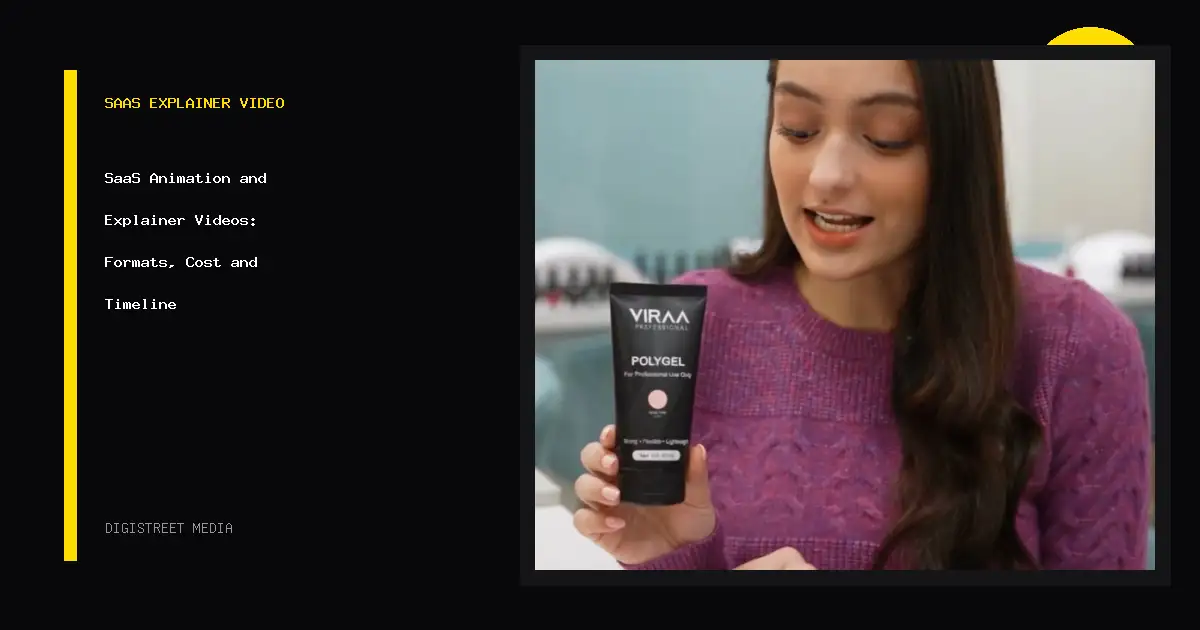
Brand-video packages are 10 videos for ₹1,50,000, 20 for ₹2,75,000 and 30 for ₹3,57,000. This guide explains formats, script decisions, screens, production timing and distribution. Real Viraa Professional AI-film and DigiStreet showreel material provide the visual references.
Write the product decision in one sentence
A homepage film may need to explain who the product serves and why it exists. A feature film may show one task. A sales film may answer an objection. An onboarding film may help an existing user complete an action. A release film may explain what changed. Write one viewer and one decision before writing scenes.
Collect the product facts, interface access, terminology, audience knowledge and final action. Decide whether the viewer needs real screens, diagrams, people, narration or captions. A complicated platform can require several small films rather than one long overview. That structure also gives sales and support teams a more precise link to share.
Orient a new visitor and direct the next step.
Show one workflow with accurate screen and result.
Answer a purchase concern with product and proof.
Help an existing user complete a useful action.
Match animation, screens and film to the claim
Motion graphics are useful for systems, relationships and abstract ideas. Screen-led films are useful when interface behaviour is the evidence. Brand films are useful when the category, people or purpose need emotional weight. AI-generated scenes can extend visual options for selected concepts, but product facts and interface steps still need human review.
A hybrid often works well: a short filmed or generated opening, a clean diagram, then an accurate product sequence. The choice should come from the script. Avoid decorating every sentence with a new visual style. Set one rule for type, colour, illustration, transitions and interface treatment so the film feels like one product.
Build around a problem, mechanism and action
Start with the viewer’s situation in plain language. Show what the product changes and how. Use the interface only where it helps the viewer believe or understand the mechanism. End with the one action suited to the placement, such as starting a trial, booking a demo or watching a deeper feature film.
Read the script aloud and remove internal terms the buyer will not know. Give each sentence one visual purpose. Note where a screen recording, diagram or approved claim is required. The script should identify sources for numbers and product statements. This makes legal, product and brand review faster because reviewers can see which words depend on which evidence.
Prepare the product before recording it
Use a stable demo environment with safe sample data. Set the browser size, zoom, cursor behaviour and route before recording. Remove notifications and personal details. Create a shot list that names the exact screen, action and end state. Record clean actions with room for the editor to cut.
Interface films age when the product changes. Store the source project, capture list and version. Design callouts and crops so a small interface update can be replaced without rebuilding the full film. When a release is temporary, keep the animation simpler and the production cycle shorter.
Choose the package by output and reuse
| Production option | Published DigiStreet price | Best planning use |
|---|---|---|
| AI video | From ₹75,000 per 30 seconds | A finished concept film with an agreed visual treatment |
| AI-film retainer | ₹2,00,000/month | 8 to 10 films for a recurring campaign or content stream |
| Brand video pack | 10 videos for ₹1,50,000 | A focused set of product, sales or social films |
| Brand video pack | 20 videos for ₹2,75,000 | A broader library across features and placements |
| Brand video pack | 30 videos for ₹3,57,000 | A larger planned system with repeated production rules |
Clarify duration, concept count, aspect ratios, voice, music, screen capture, revision rounds and source files. A “video” can mean a six-second cut, a thirty-second ad or a four-minute walkthrough. Price comparisons only make sense when those outputs and rights match.
Move approvals to the cheapest stage
| Stage | Typical working focus | Approval |
|---|---|---|
| Week 1 | Audience, placement, product facts and one-sentence job | Brief and source pack |
| Week 2 | Script, visual treatment and scene outline | Words and style direction |
| Week 3 | Storyboard, screen plan, voice and first assets | Sequence before full production |
| Weeks 4–5 | Animation, edit, sound, captions and format versions | Rough cut, factual pass and final master |
| Release week | Hosting, thumbnail, page placement and tracking | Published files and archive record |
A compact film can move faster when inputs and reviewers are ready. A product suite, several languages or detailed animation can take longer. One client owner should combine feedback. Approving the script and storyboard before full production reduces late changes to timing, scenes and voice.
Design the first frame for the placement
A homepage film should load with care and offer controls and captions. A paid social film needs a clear opening without depending on sound. A sales-deck film needs reliable playback. A help-centre film needs a stable URL and a title that matches the task. Prepare thumbnails, captions and aspect ratios as part of delivery rather than as an afterthought.
Wistia’s 2025 State of Video report identified product and educational videos among the formats businesses created regularly and linked product videos with reported business success. That does not determine one company’s result, but it supports treating product explanation as a working content asset rather than a one-off campaign decoration.
Read the video against its intended decision
For a homepage explainer, track starts, useful watch depth and the next-page or demo action. For a sales film, compare use in active opportunities and collect sales feedback. For onboarding, look at completion of the product task and support questions. For paid media, connect creative names with viewing, landing-page behaviour and qualified action.
Watch where viewers leave, but interpret the point with the script. An early drop may mean the opening is slow or the audience was poorly targeted. A later drop may mean the film has already answered the question. Combine platform data with page and commercial context before editing the next version.
Archive the film so the next update is cheaper
Keep the approved brief, sources, script, storyboard, voice files, product captures, project files, master, captions, thumbnails and format versions together. Name files by product, use, version and date. Record music and footage rights and the approved territory or term where relevant.
For recurring SaaS content, define reusable type, diagram, transition and screen rules. The next feature film can then begin from an approved system while still receiving a fresh script. This is where a film library becomes more valuable than a folder of unrelated edits.
Make the film usable without perfect conditions
Provide accurate captions and a transcript where the placement allows it. Keep essential meaning out of colour alone. Use sufficient contrast, readable type and enough time for labels to be understood. Avoid rapid flashes and unnecessary motion. Give website viewers playback controls.
Captions need product terms and names checked by a human reviewer. Automated text can miss technical language. A transcript can also support search, support teams and people who prefer reading. If the film demonstrates a task, written steps near the video give the user another route.
Test the published page at 390 pixels, with keyboard controls and with sound off. Check that the video does not force horizontal scrolling and that the poster has useful alt context. The film asset and the page carrying it are one experience.
Decide what will change before the first master is built
A SaaS team may need language versions, feature-specific endings, paid cuts, a silent trade-show loop and a sales-deck file. List these uses before storyboarding. Build the master so changeable screens, captions, voice and end cards can be replaced cleanly.
Keep the core explanation stable and isolate time-sensitive interface details. When the product changes, update the smallest correct unit and record the new version date. Retire older public files so sales teams do not keep sharing them. A version map protects the accuracy of a growing video library.
Give every reviewer a specific job
Product checks the interface, sequence and terminology. Marketing checks the audience, message and action. Brand checks visual and verbal consistency. Legal or compliance checks claims and rights where required. Accessibility review checks captions, contrast, motion and controls. Sales or support can confirm whether the explanation matches the questions they hear.
Set the order before production. Product facts and script come first, then storyboard and screen plan, then the rough cut and final master. Ask each reviewer to comment inside their responsibility and appoint one owner to resolve conflicts. Timecoded feedback is easier to act on than a collection of separate messages.
When the final file is approved, record the product version and source date. A future interface change can then be assessed against the correct master instead of reopening an unknown edit.
Real films show two different production routes
Video is one channel of six. Our page on digital marketing for SaaS companies covers the rest, with prices.
SaaS explainer video questions
How long should a SaaS explainer video be?
Choose the shortest length that completes one viewer decision. A homepage overview and a feature walkthrough may need different durations.
How much does an AI video cost?
DigiStreet AI video starts at ₹75,000 per 30 seconds of finished film.
What is included in the AI-film retainer?
The published retainer is ₹2,00,000 a month for 8 to 10 films; the exact formats and production inputs need an agreed scope.
How much are brand-video packages?
Ten videos cost ₹1,50,000, twenty cost ₹2,75,000 and thirty cost ₹3,57,000.
Should a SaaS film show the real interface?
Show accurate screens when interface behaviour is part of the evidence. Use a safe demo environment and a versioned capture plan.
What should be approved before animation begins?
Approve the audience, video job, product facts, script, visual treatment and storyboard before full production.
Sources used for this guide
Plan the film around one product decision
Share the audience, placement, product material and output list. DigiStreet can recommend the format, cost and production route.